The Map Baker
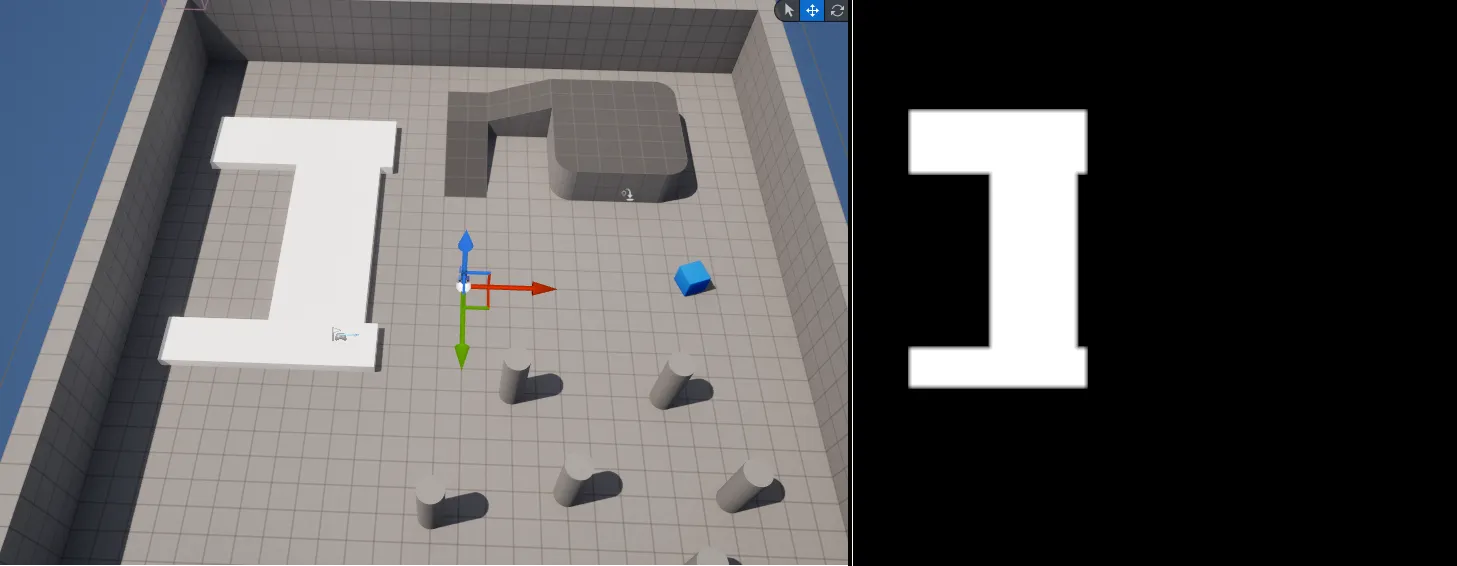
The fog material needs to know where the ground is, so light never spills off the playable area into the void. The Map Baker produces that information as a black-and-white floor map texture:
- White is ground that can be lit.
- Black is permanently dark (off the map, out of bounds).
The fog material samples this texture, so a lit radius shows up only where the floor map is white.
Prepare the level
Section titled “Prepare the level”Lay meshes over your walkable ground. Stretched cube meshes are a simple, reliable choice. These surfaces are the only ones allowed to receive light; treat everything else as out of bounds.
Add and configure the baker
Section titled “Add and configure the baker”Drag BP_MapBaker from Plugins/FogOfWar/Content/MapBaker into the scene
and position it over the play area, then adjust its settings:
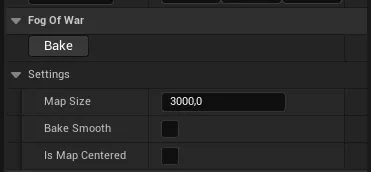
| Setting | What it does |
|---|---|
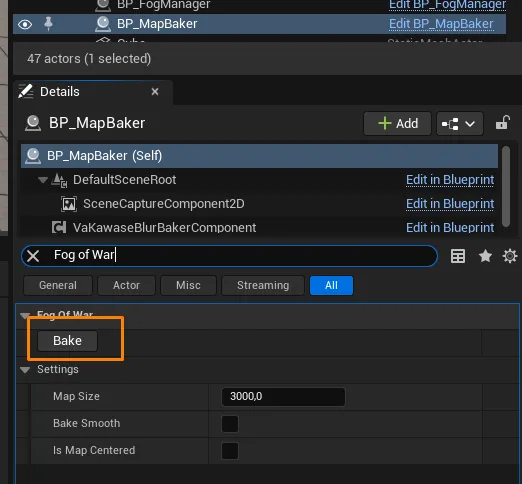
| Map Size | The width and length of the fog-covered area. The map does not need to be square; use the longer of the two dimensions. |
| Bake Smooth (optional) | Smooths the edges of the baked texture for a more gradual fog falloff between lit and unlit areas. |
| Is Map Centered | Whether the world origin (0,0,0) is at the center of the map or at a corner, so the baker aligns to the layout. |
The Map Size and centering you choose here must also be set on the Fog Manager so the fog and the floor map line up.
The Bake Smooth option softens the boundary between lit and dark ground:

Tag the floor meshes
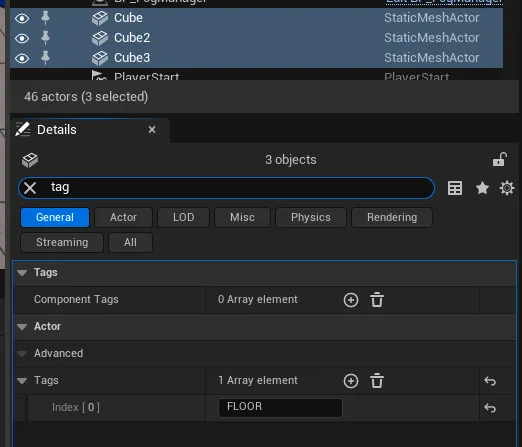
Section titled “Tag the floor meshes”Select your floor actors and add the FLOOR tag. The baker only captures
tagged actors, so props and decoration are ignored. White in the baked texture
is where these floors are; everything else stays dark.
Bake the floor texture
Section titled “Bake the floor texture”With every floor actor tagged, click Bake on the Map Baker to generate the floor texture.
Static vs. dynamic use
Section titled “Static vs. dynamic use”Once baked, you have two ways to use the result:
| Mode | How | When to use |
|---|---|---|
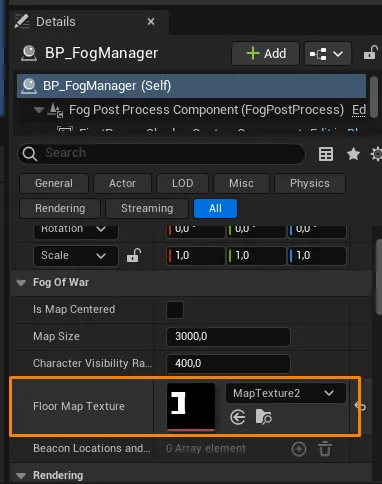
| Static | Save the baked texture and assign it to the Fog Manager’s Floor Map Texture, then remove the baker actor from the level. | Recommended. The floor never changes at runtime, so a saved texture is the cheapest option. |
| Dynamic | Leave BP_MapBaker in the level so it provides its render target to the fog at runtime. | Only if the playable floor can change shape during play. |
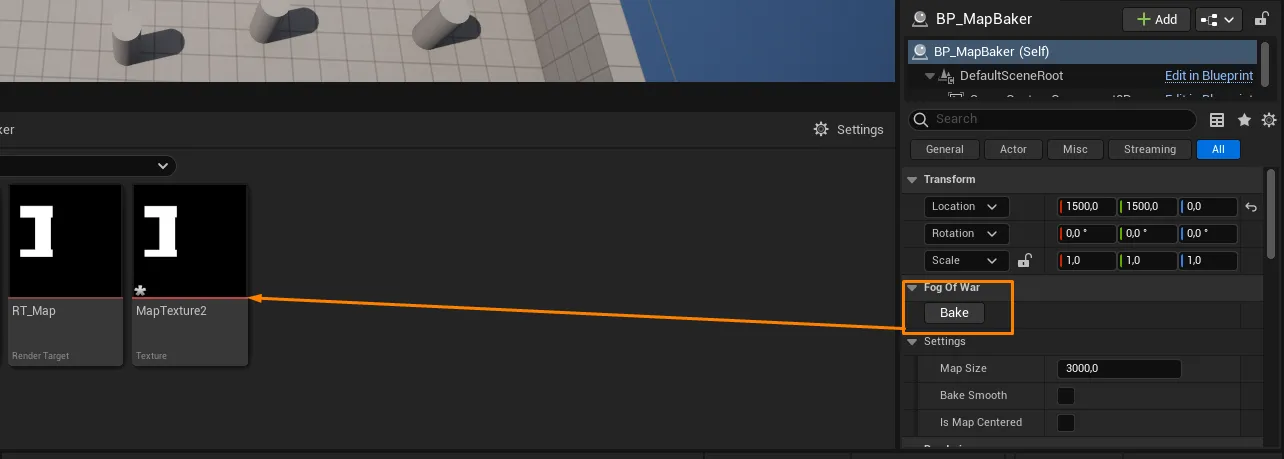
If you bake a static texture, the Map Baker actor is no longer needed and can be safely removed from the level: